DevKit Code for ChatGPT · Beta
Your code.
Your Mac.
One conversation.
Describe the change. Name your project. DevKit finds it on your Mac, makes the change, and runs the tests. Review the patch in ChatGPT.
Free beta. Uses your local Codex ChatGPT login and subscription quota. No API key required.
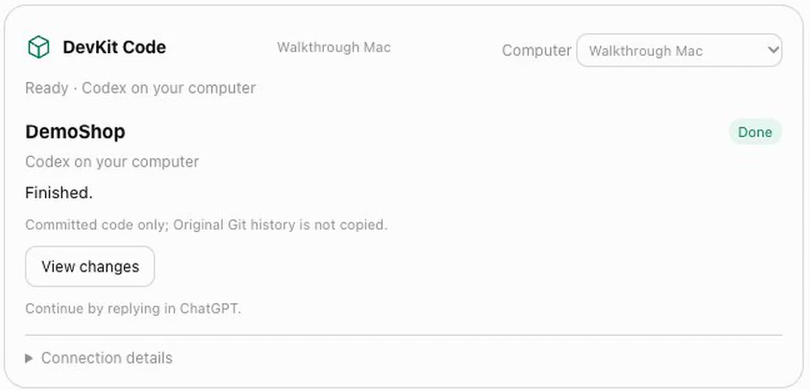
Fix and improve your code
Describe what you need and name your project. DevKit finds the folder on your Mac.
Review the changes
Read progress, results and bounded diffs. Continue or cancel a job.
Keep control on your Mac
Git jobs use isolated worktrees. Permission decisions stay local.
Free DevKit Code beta
- Local coding, tests and isolated Git worktrees
- Progress, saved results, diffs and follow-ups
- Local approvals and cancellation
Requires an Apple Silicon Mac, a compatible ChatGPT account with local Codex access and available subscription quota. Browser and other DevKit apps are unavailable.
Free during beta
Start setupNo DevKit payment. Checkout is disabled. Uses your existing Codex subscription allowance.
Install and pair your Mac
Sign in to DevKit, install its Mac agent and enable folder access.
Use your local Codex login
Run devkit model login to use your normal Codex ChatGPT account and included quota. No API key is required.
Connect DevKit in ChatGPT
Install DevKit Code from the ChatGPT directory, connect the same DevKit account, then describe the change and name your project.